ArcJet
ArcJet is an ongoing skiL2 project focused on building a hosting platform for others. A multi-tenant containerization solution with Kubernetes orchestration.
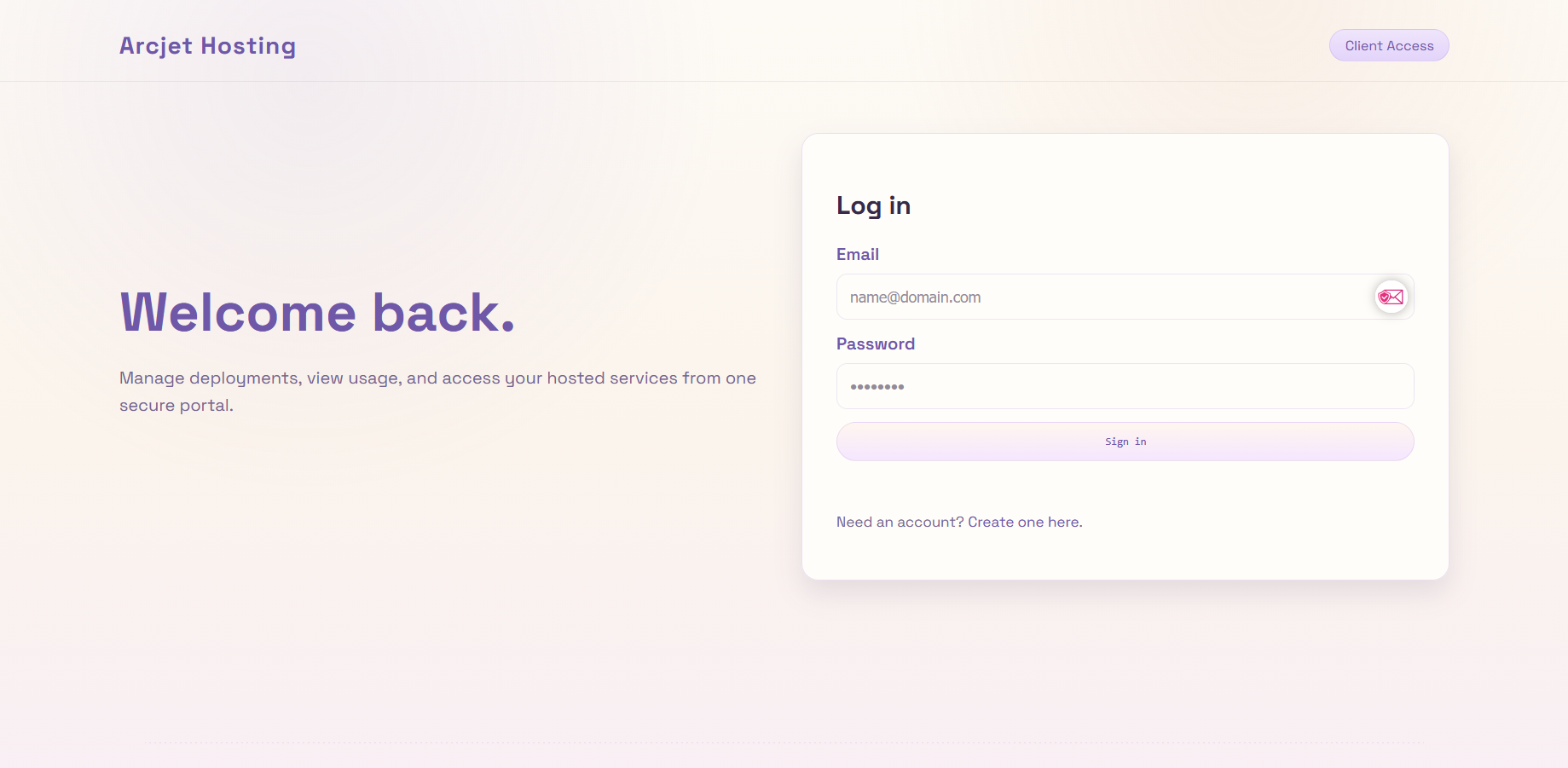
A practical hosting platform allowing users to deploy containerized applications with zero infrastructure knowledge. Think of it as a simplified, school-focused Heroku alternative.
Overview
We got tasked with designing, testing, and making a hosting platform for our internal client. Currently, the platform consists of user authentication and dashboard access. Logged in, users can see all their deployed projects. From there, they can create a new project, upload containerized applications (supporting Docker images), and monitor the upload stage in real-time. Once deployment completes, users can visit their hosted application running inside a Kubernetes container.
The backend orchestrates across a primary Kubernetes cluster with two secondary replicas on separate VMs for high availability. This project is still in active development, but it has already taught me invaluable lessons about team leadership—something I'd never done before.
Background
ArcJet is part of a capstone-style project at Thomas More University of Applied Sciences. Our goal: build something that works at scale, with real users (albeit students). The platform abstracts away infrastructure complexity, making deployment as simple as uploading a Dockerfile.
My role centers on backend architecture, Kubernetes cluster setup, and leading the team through architectural decisions. Watching teammates contribute to something we're building together is incredibly rewarding.
Technologies
- Kubernetes (multi-cluster setup).
- Docker & container runtimes.
- FastAPI (backend).
- PostgreSQL (user & deployment data).
- Proxmox (VM infrastructure).
- Cloudflare Zero Trust Tunnel (secure access).
- MinIO (artifact storage).
- Harbor (private container registry).
Key Takeaways
- GitLab.
- Jira.
- Leadership and team management skills.
- How to set up a Kubernetes cluster.
- Designing infrastructure.
- Setting up a firewall (OPNSense).
- How to set up a private container registry (Harbor ).
- How to set up a private object storage solution (MinIO).
- Setting up a VPN (OpenVPN).